
Back to Docs
License Management
See days remaining and license details, and refresh, renew, replace or disconnect your SpamPro license.
license
renew
activation
settings
License Management
Open Settings → License to see and manage your license.
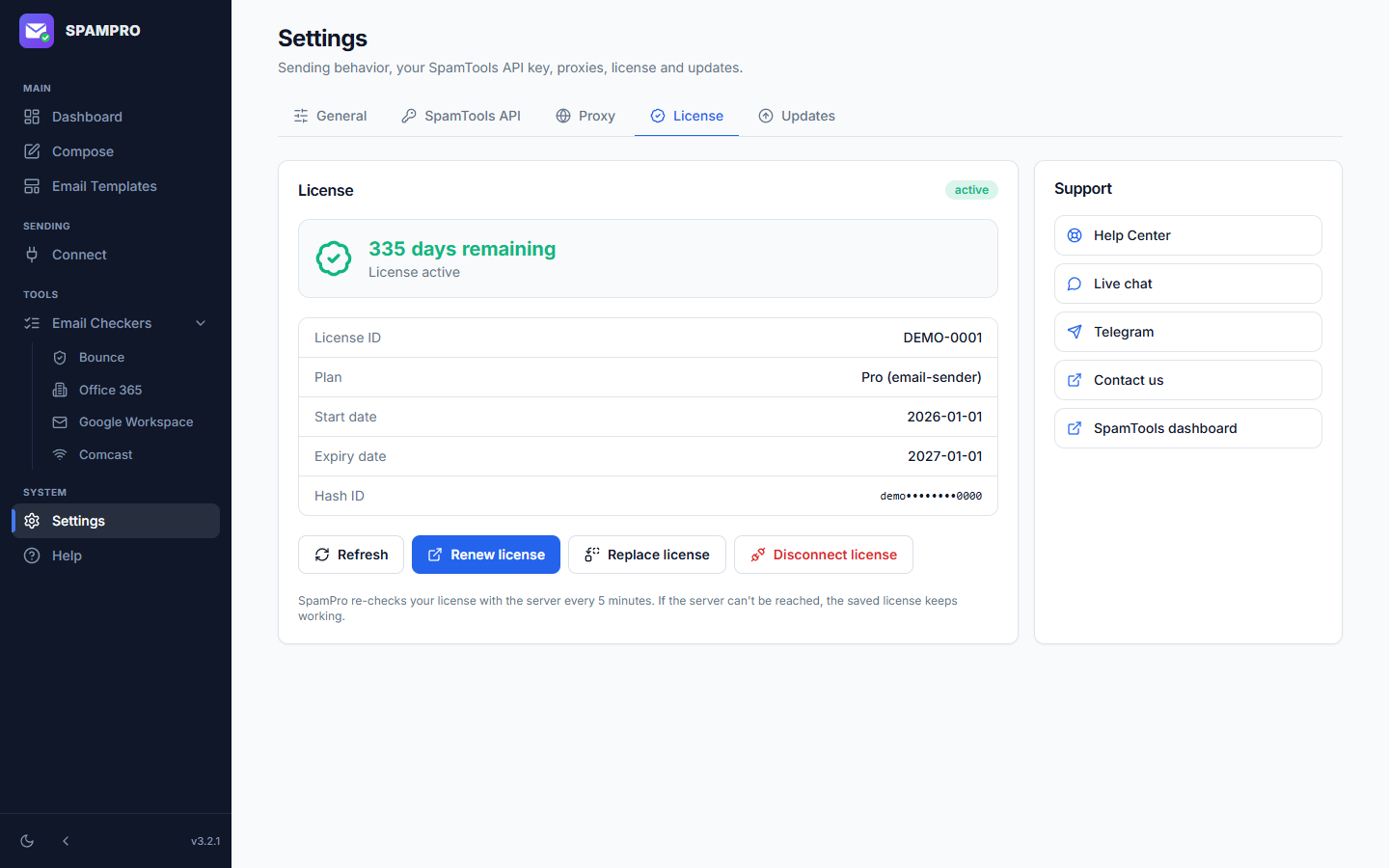
What you see
- Status: active or not, and days remaining.
- License ID, Plan, Start date and Expiry date.
- Hash ID: a shortened view of your license key.
Actions
| Button | What it does |
|---|---|
| Refresh | Re-checks your license with the server now. |
| Renew license | Opens the SpamTools site to extend your license. |
| Replace license | Switch to a different license key. The new key is verified before the old one is replaced. |
| Disconnect license | Removes the license from this PC (asks first). Use it before moving SpamPro to another computer. |
Automatic checks
SpamPro re-checks your license regularly while it runs. If the license server can't be reached (for example you're offline), your saved license keeps working. If a license expires or is revoked, SpamPro shows the activation screen again.
Support links
The Support card links to the Help Center, Live chat, Telegram, Contact us and your SpamTools dashboard.
Related
- Install and activate SpamPro
- SpamTools API key: separate from your license
On This Page
Still Stuck?
Can't find the answer here? Our team responds fast on Telegram and email.
Contact SupportTelegram Chat