
Back to Docs
Updates: One-Click Update and Install
How SpamPro checks for updates, verifies and installs a new version in one click, and keeps your data.
updates
auto update
install
Updates: One-Click Update and Install
SpamPro keeps itself up to date from inside the app. No administrator rights are needed.
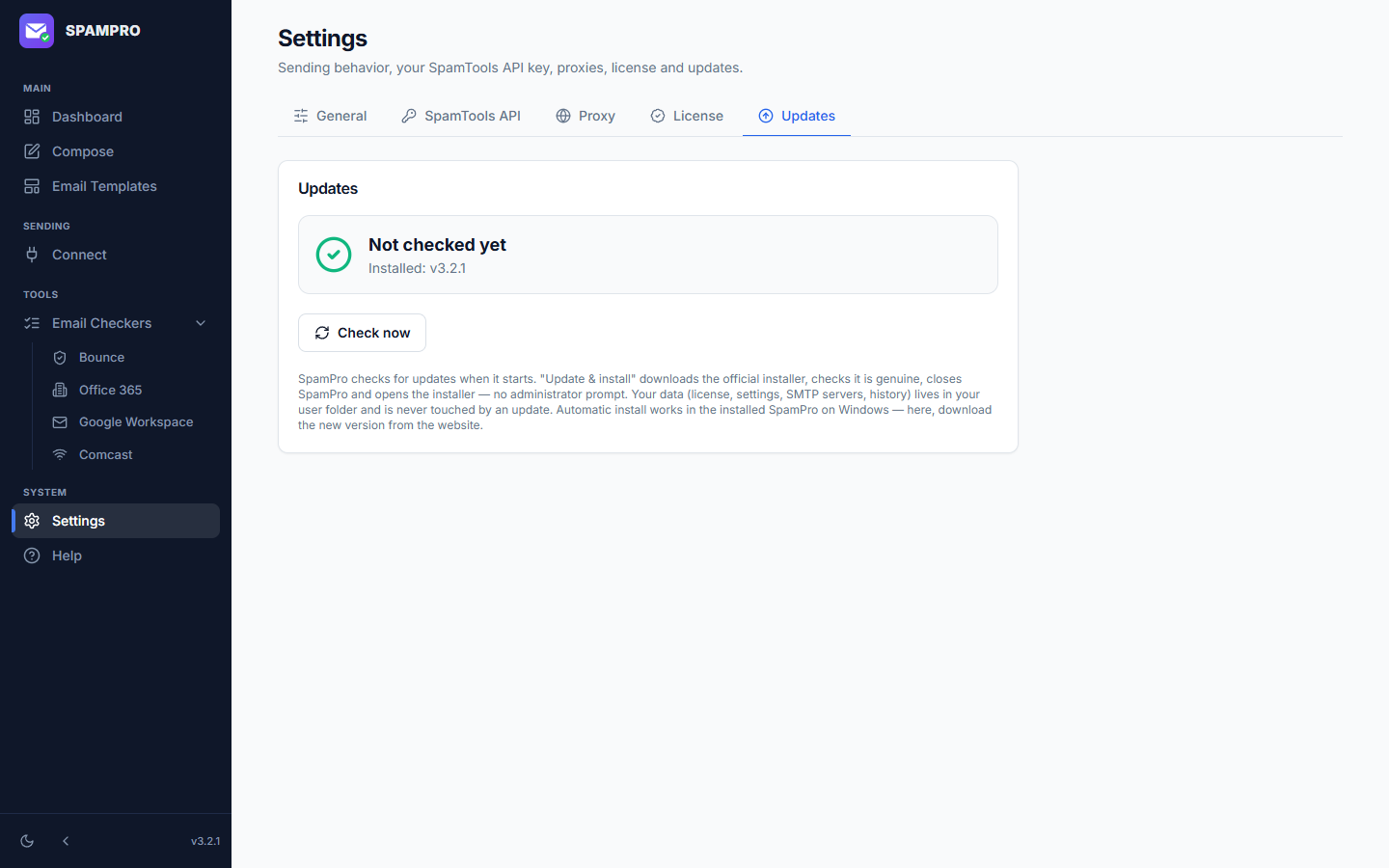
Checking for updates
- SpamPro checks for updates when it starts. When a new version is out, a popup shows what's new.
- To check yourself, open Settings → Updates and click Check now. It shows your installed version and whether an update is available.
Installing an update
When an update is available you can:
- Update & install: downloads the official installer, checks that it is genuine, closes SpamPro and opens the installer. Follow the installer and SpamPro restarts on the new version.
- Download only: downloads and verifies the update now. When you're ready, click Install now.
A progress bar shows the download. If the downloaded file doesn't match the published one, SpamPro deletes it and asks you to download again. It never runs an installer it can't verify.
Your data is kept
Updates never touch your data: your license, settings, SMTP servers, templates and history live in your user folder and carry over. Old program files are replaced cleanly.
Before you update
- Stop any campaign that's sending. SpamPro won't start an update while a campaign is sending.
- Old installers SpamPro downloaded are cleaned up automatically on the next start.
Installing manually
You can also download the latest installer from the SpamPro product page and run it over your current version. Your data is kept the same way.
On This Page
Still Stuck?
Can't find the answer here? Our team responds fast on Telegram and email.
Contact SupportTelegram Chat