
Back to Docs
Light and Dark Theme, Sidebar and Shortcuts
Switch between light and dark theme, collapse the sidebar, use keyboard shortcuts and choose the window title bar.
theme
dark mode
shortcuts
layout
Light and Dark Theme, Sidebar and Shortcuts
Light and dark theme
Click the sun / moon button at the bottom of the sidebar to switch between light and dark theme.
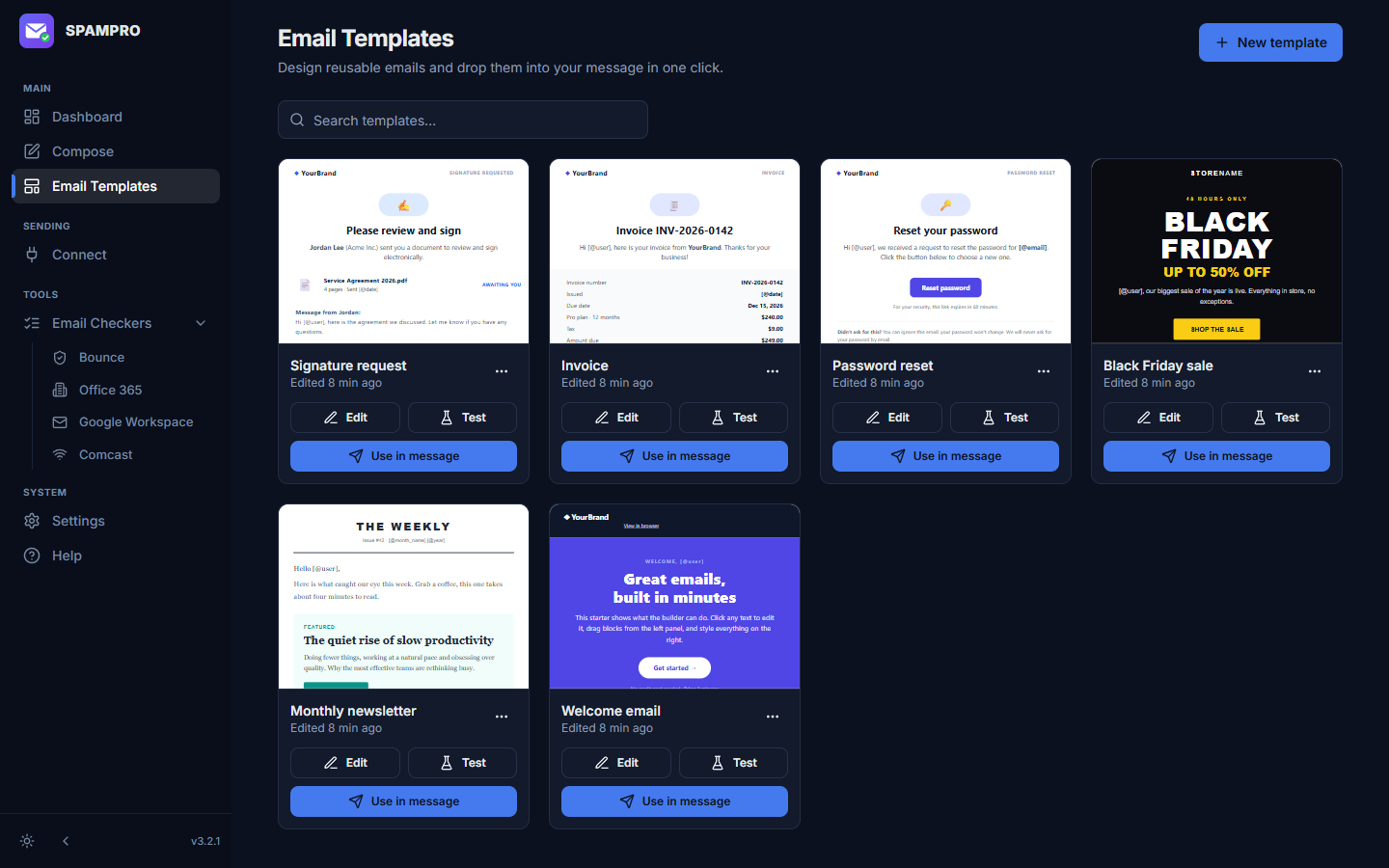
Your choice is remembered.
Sidebar
- Ctrl + B, or the arrow at the bottom of the sidebar, collapses or expands it.
- Email Checkers expands to Bounce, Office 365, Google Workspace and Comcast. With the sidebar collapsed, hover its icon for a menu.
- The current SpamPro version is shown at the bottom of the sidebar.
Keyboard shortcuts
| Shortcut | Where | Action |
|---|---|---|
Ctrl + B |
Anywhere | Collapse or expand the sidebar |
Esc |
Anywhere | Close the open side panel or dialog |
Ctrl + Z |
Template builder | Undo |
Ctrl + Y or Ctrl + Shift + Z |
Template builder | Redo |
Ctrl + D |
Template builder | Duplicate the selected block or row |
Delete |
Template builder | Remove the selected block or row |
Window title bar
Settings → General → Window → Use system title bar:
- Off (default): SpamPro's own title bar. Drag it to move the window, double-click to maximize, and drag any edge to resize.
- On: Windows' normal window frame.
The change takes effect the next time SpamPro starts.
On This Page
Still Stuck?
Can't find the answer here? Our team responds fast on Telegram and email.
Contact SupportTelegram Chat