
Back to Docs
Per-Domain Throttling
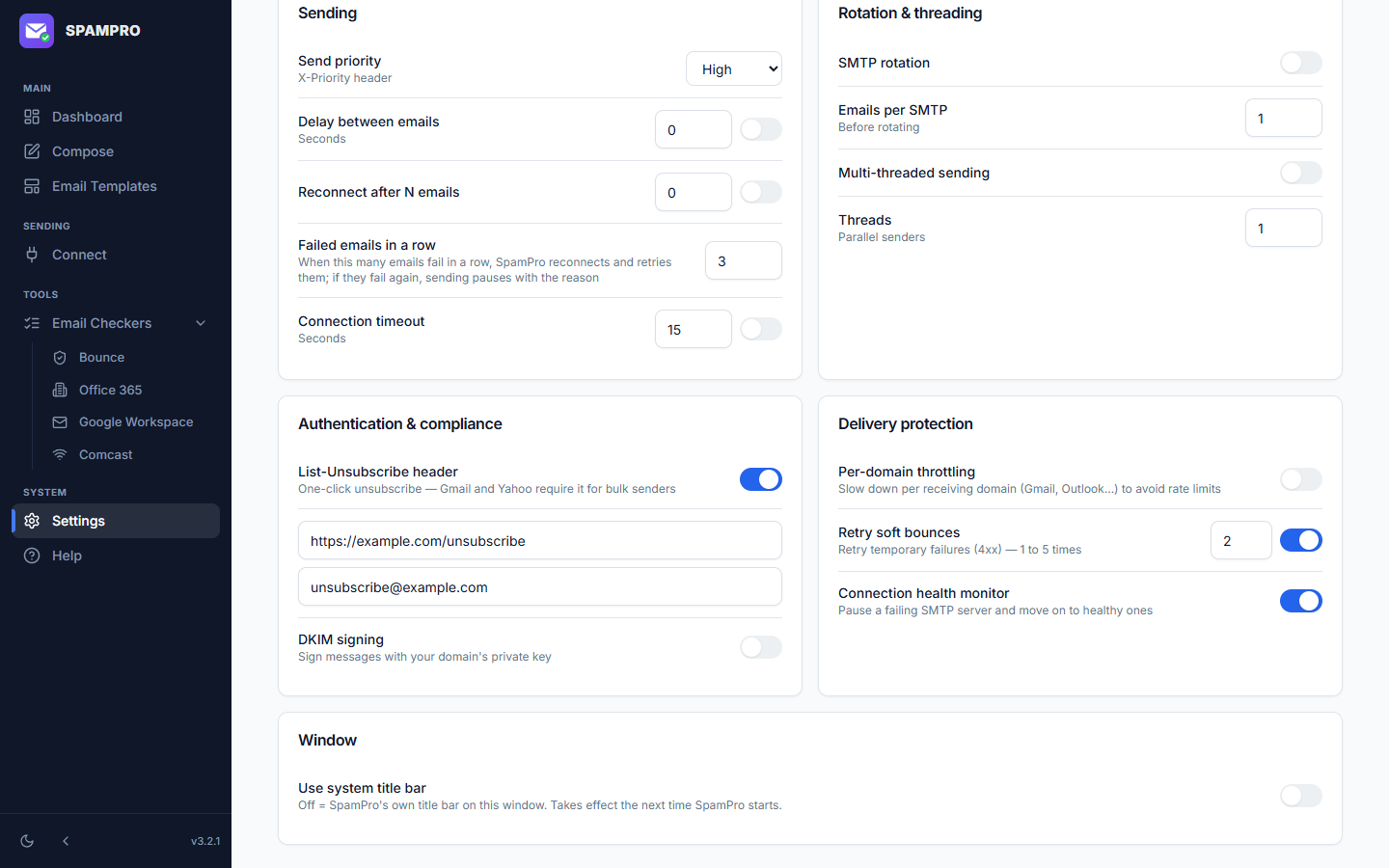
Slow down sending per receiving domain (Gmail, Outlook and others) to avoid rate limits and 421 deferrals.
throttling
rate limit
deliverability
settings
Per-Domain Throttling
Gmail, Outlook, Yahoo and other providers limit how fast they accept mail from one sender. Sending too fast to one provider leads to "421 try again later" deferrals and, eventually, blocks.
Per-domain throttling slows down sending per receiving domain, so a big list with many Gmail addresses doesn't hit Gmail all at once.
Turn it on
Open Settings → General → Delivery protection and switch on Per-domain throttling, then click Save.
When to use it
- Large campaigns (thousands of recipients).
- Lists with many addresses at the same provider.
- When your SMTP log or Dashboard shows
421or4.7.xrate limited / try again later errors.
Works well with
- A delay between emails for a steady overall pace.
- Retry soft bounces, so deferred emails are retried later instead of lost.
- The pre-flight part of Spam check, which reminds you when throttling is off.
Tip: Don't ignore 421 deferrals. They are the provider asking you to slow down.
On This Page
Still Stuck?
Can't find the answer here? Our team responds fast on Telegram and email.
Contact SupportTelegram Chat