
Connection Health Monitor and Auto-Recovery
Pause failing SMTP servers automatically, reconnect and retry after failures in a row, and pause with a clear reason.
Connection Health Monitor and Auto-Recovery
SpamPro watches your SMTP connections while sending, so one bad server or a short outage doesn't ruin a whole campaign.
Connection health monitor
Open Settings → General → Delivery protection and switch on Connection health monitor.
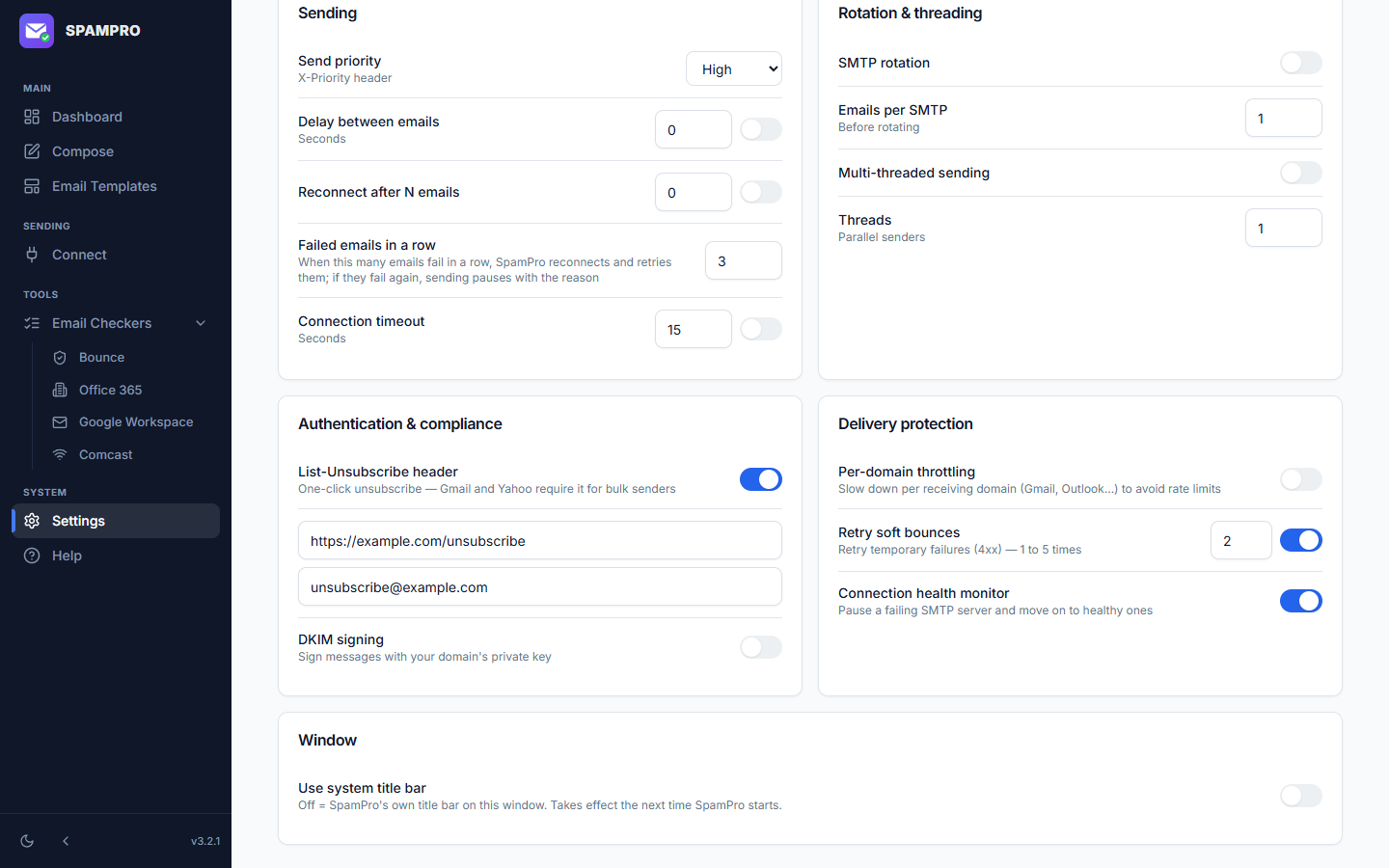
When a server starts failing, SpamPro pauses that server and moves on to the healthy ones. It's most useful with several SMTP servers and rotation.
Failed emails in a row (auto-recovery)
In Settings → General → Sending, set Failed emails in a row (default 3):
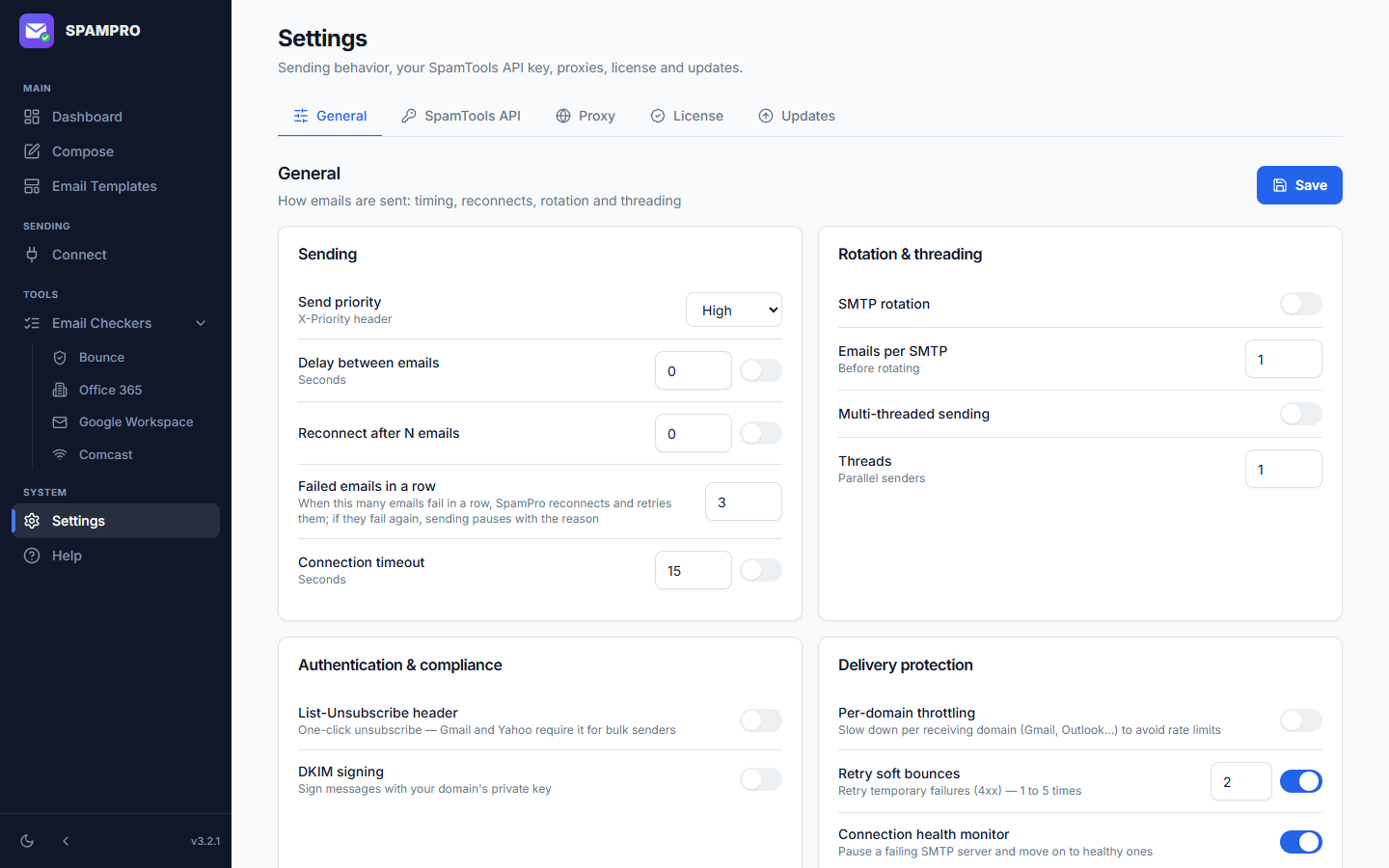
When that many emails fail one after another:
- SpamPro reconnects to the SMTP server and retries those emails.
- If they fail again, sending pauses and SpamPro shows the reason (for example the server's error message).
Failed emails are retried after the reconnect, not lost. When you've fixed the problem (for example on the Connect page), click Resume: the emails that failed are retried.
Connection timeout and reconnecting
Also in Settings → General → Sending:
- Connection timeout: how many seconds to wait for a server before giving up.
- Reconnect after N emails: opens a fresh connection every N emails. Some providers drop long-lived connections, and this avoids that.
Related
Still Stuck?
Can't find the answer here? Our team responds fast on Telegram and email.
Contact SupportTelegram Chat